Data gets copied by hand
The same customer or order details move between forms, CRM, spreadsheets, and project tools.
 Get Project Plan
Workflow Automation
We connect forms, CRM, Slack, email, calendars, tasks, approvals, and reports so repeated work happens reliably instead of depending on memory.
Who this is for
Workflow automation is for teams losing time to copying data, assigning tasks, chasing approvals, updating reports, or manually moving leads between tools.
The same customer or order details move between forms, CRM, spreadsheets, and project tools.
Tasks, reminders, and ownership are not created automatically, so leads and work stall.
Decisions disappear in Slack, email, or DMs instead of moving through a visible process.
Numbers get copied into dashboards every week instead of updating from the source.
What is included
This service maps the workflow, defines the source of truth, connects tools, tests edge cases, and monitors launch.
We document steps, owners, inputs, outputs, and failure points before automating.
We connect the tools already in the workflow when access and APIs support it.
Automations create tasks, send alerts, update statuses, and route work to the right place.
We test missing data, duplicate submissions, failed handoffs, and ownership before launch.
Tell us what exists now, what result you need, and what blocks progress. We will reply with the practical scope and next step.
Choosing the right scope
Automation makes broken workflows fail faster. Ownership and data rules come first.
Repeated steps with predictable inputs are the best automation candidates.
If the workflow needs its own data model, permissions, or portal, custom software may be the cleaner scope.
Pricing
Workflow automation cost depends on number of steps, tools, rules, data fields, edge cases, and monitoring requirements.
A one-step form alert is smaller than a multi-stage approval or sales workflow.
APIs, permissions, plan limits, and existing data quality affect scope.
Conditional routing, approvals, reminders, and ownership logic add work.
Reliable automation needs visible errors, retries where appropriate, and a human owner.
Proof
Good automation makes ownership, data, and handoffs clearer. It should not become another invisible failure point.
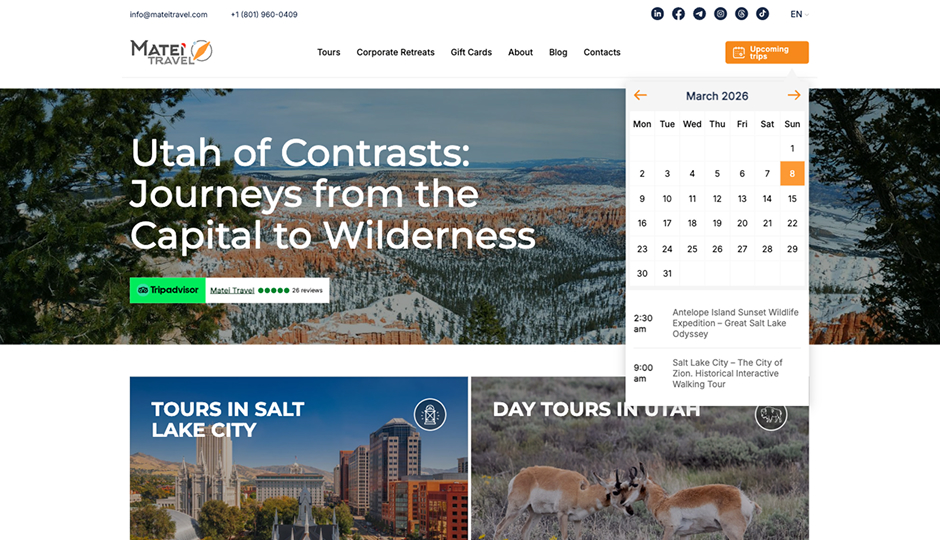
Search to sale
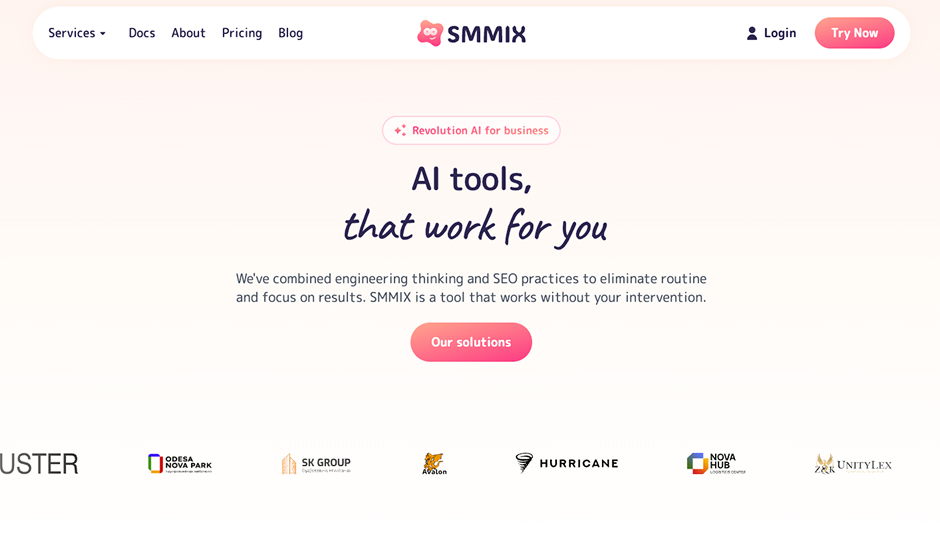
SaaS product
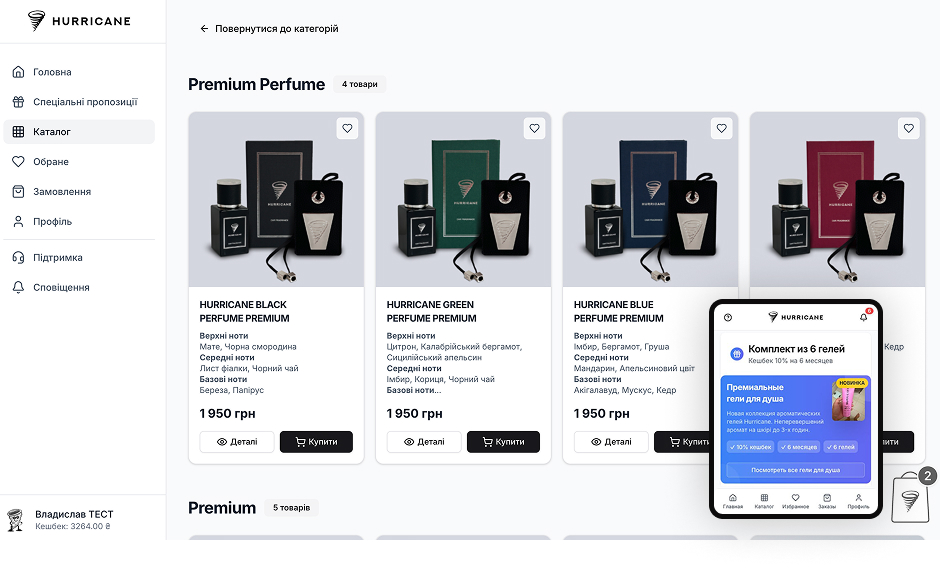
Connected commerce
What happens after you reach out
We identify tools, owners, data, repeated steps, and where the workflow breaks.
We recommend the highest-value workflow and define what stays human.
Rules, triggers, actions, notifications, and reports are connected.
Missing fields, duplicate events, bad inputs, and failed handoffs are checked.
The workflow has a clear owner and monitoring points after launch.
Next step
Send the manual workflow and tools involved. We will reply with the highest-value automation to start with.
FAQ
Lead routing, task creation, notifications, approvals, reporting, reminders, form handoffs, and data sync are common starts.
Yes when the tools support the needed access or APIs. We choose the stack by the workflow.
Unclear ownership, bad data, sensitive judgment, and broken processes should be fixed before automation.
Yes when the source data is reliable and accessible.
Only where AI adds value. Many automations should be rule-based and predictable.
Failure paths and owners are defined before launch so errors do not stay silent.
Keep exploring
Portals, dashboards, APIs, admin panels, and workflows when the business needs its own system.
Service pages, trust, forms, CRM routing, and analytics built into the website from day one.
A paid AI SaaS product with subscription billing and multi-model content workflows.
Workflow Automation in Utah & across the US
Workflow automation connects the tools a business already uses — forms, CRM, Slack, email, calendars, spreadsheets, project boards — so repeated work happens automatically instead of depending on memory. Otherwise Solutions builds workflow automation for teams in Utah and across the United States, mapping the process first and automating second.
The selection rule is simple and it decides most projects: if a task repeats weekly and follows clear rules, it is an automation candidate. If it requires judgment, it stays human. For the visibility side of AI systems, read how to earn AI trust in your brand.
This work fits operations, sales, and service teams that grew faster than their tooling: the office manager re-typing form data into the CRM, the sales lead chasing follow-ups from memory, the owner assembling the same report every Friday afternoon. None of those tasks need a person — they need a rule that always runs.
The math is mundane and that is the point. A lead-routing flow that saves fifteen minutes per inquiry, across forty inquiries a month, returns ten hours — every month, without reminders, including the inquiries that used to slip entirely. A weekly report that took two hours to assemble by hand becomes a dashboard that is simply always current. Automation rarely produces one dramatic win; it removes a dozen small recurring losses, and the compounding is what teams feel within the first quarter.
Automation makes a broken process fail faster. Before connecting anything, we document the steps, owners, inputs, and failure points, and define the source of truth for each piece of data. Only then do tools get wired together — and every automation launches with visible errors and a named human owner, so failures surface instead of hiding.
The integration layer is chosen by the workflow, not by preference: native integrations where the tools provide them, platforms like Zapier, Make, or n8n where flexibility matters, and direct API or webhook connections where reliability and volume demand it. The criteria stay constant — the connection must be observable when it fails, affordable at your actual volume, and maintainable by someone other than the person who built it. We document every flow so the automation is an asset, not a dependency on us.
A single-step automation — form to CRM with an alert — is small and fast. Multi-stage workflows with conditional routing, approvals, and reporting are larger. Tool access matters too: API limits, plan tiers, and existing data quality all shape the scope, which is fixed before work starts.
If the workflow needs its own data model, permissions, and interfaces, gluing tools together becomes fragile — that is when custom software is the cleaner build. If the bottleneck is answering repeated customer questions, an AI chatbot is the sharper scope. And if leads are scattered because the pipeline itself is unclear, start with CRM setup. The proof of connected systems working together is in our Matei Travel case, where booking, payments, notifications, and partner tracking run as one automated flow.
Contact
Send the basics: what you need, what exists now, and what business result matters. We will review it and reply with the next practical step.
Contact
Use the same contact form. Tell us what you need and we will reply with the next step.
Request sent
Your message was delivered. We will review the project details and reply with the next practical step.