Leads arrive without ownership
Nobody knows who should follow up, when, or what context came with the inquiry.
 Get Project Plan
CRM Integrations
We structure pipelines, connect website forms and lead sources, route inquiries, create reminders, and build reporting so leads stop getting lost.
Who this is for
CRM setup and integrations help when inquiries arrive from forms, calls, ads, email, chat, referrals, or spreadsheets but follow-up is inconsistent.
Nobody knows who should follow up, when, or what context came with the inquiry.
The CRM structure is generic, so the team stops using it or fills it inconsistently.
Sales cannot tell which pages, campaigns, or referrals produced real opportunities.
Deals stall because next steps depend on memory instead of tasks and rules.
What is included
This service connects lead sources, pipeline stages, ownership, reminders, dashboards, and reporting.
We shape stages, fields, and required context around how your team actually sells.
Forms, campaigns, chat, booking, and other sources can route into the CRM.
Tasks, reminders, notifications, and handoffs keep leads moving.
Views show source, stage, follow-up, conversion, and bottlenecks.
Tell us what exists now, what result you need, and what blocks progress. We will reply with the practical scope and next step.
Choosing the right scope
Start with stages, fields, ownership, and follow-up rules.
Connect forms, landing pages, chat, booking, and campaign sources.
Bad data, unused fields, and unclear stages should be fixed before adding more automation.
Pricing
CRM integration cost depends on pipeline complexity, lead sources, tools, data cleanup, automation rules, and reporting needs.
One sales flow costs less than multiple teams, services, territories, or approval paths.
Each form, campaign, chat, booking tool, or referral source adds mapping work.
Messy records and inconsistent fields add work before automation can be trusted.
Source, stage, owner, and follow-up dashboards add value and scope.
Proof
A CRM should tell the team who needs attention, where the lead came from, and what should happen next.
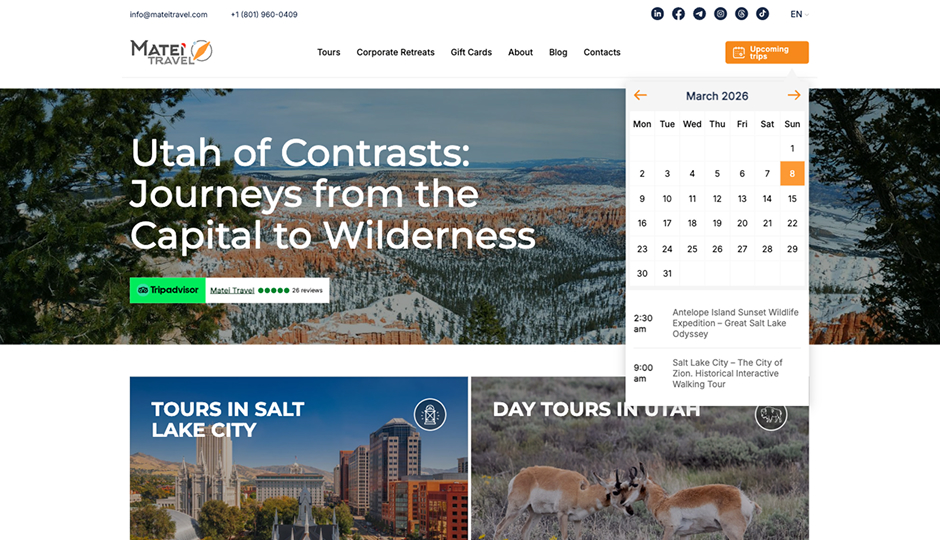
Search to sale
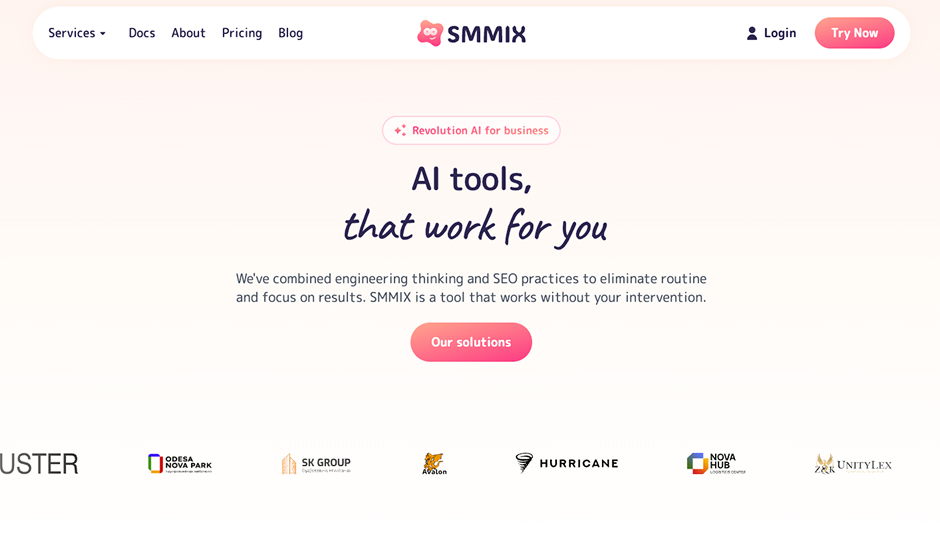
SaaS product
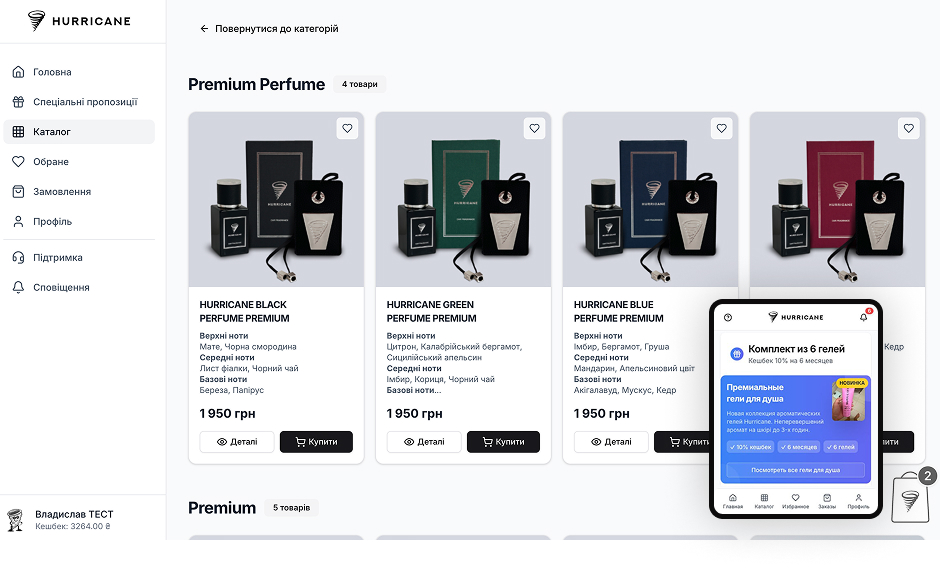
Connected commerce
What happens after you reach out
We learn lead sources, stages, owners, handoffs, and follow-up expectations.
Pipeline, fields, integrations, automation, and reporting are scoped before changes.
Forms, sources, tasks, reminders, and dashboards are wired into the CRM.
Submissions, ownership, source data, and notifications are verified.
Real sales activity shows what fields, views, or reminders need adjustment.
Next step
Send your CRM, lead sources, and current follow-up problem. We will reply with the first cleanup or integration scope.
FAQ
Yes. We can define pipeline stages, fields, ownership, views, tasks, and source tracking.
Yes, when the form and CRM support the needed integration or API.
Yes. We can review fields, stages, data quality, ownership, and reporting before adding automation.
The CRM should fit your workflow. We work with the tools your team uses when they support the needed setup.
Yes, when website tracking and CRM fields are configured to pass that context.
Yes. Alerts can be included when they support the follow-up workflow.
Keep exploring
Portals, dashboards, APIs, admin panels, and workflows when the business needs its own system.
Service pages, trust, forms, CRM routing, and analytics built into the website from day one.
A paid AI SaaS product with subscription billing and multi-model content workflows.
CRM Integrations in Utah & across the US
CRM setup and integration is the work of giving every lead an owner, a source, and a next step — automatically. Otherwise Solutions structures CRMs for sales and service teams in Utah and across the United States: pipelines shaped around how the team actually sells, website forms and campaigns routed in, and follow-up driven by tasks instead of memory.
The cost of a missing CRM layer is invisible but constant: inquiries arrive from forms, calls, ads, chat, and referrals, and a percentage of them simply never get a reply. Fixing that leak is usually worth more than any traffic increase.
The typical client is a team of two to twenty handling dozens of inquiries a month across several channels — service companies, contractors, agencies, clinics, B2B sales teams. At that volume, memory-based follow-up visibly fails, but a full-time operations hire is not justified. Structured pipeline plus automation is the middle path.
Each of these is a known, fixable pattern — and fixing them usually costs less than the leads they lose in a single quarter.
The one your team will actually use. We work with the tools already in place when they support the needed fields and integrations, and recommend a change only when the current tool genuinely blocks the workflow. The pipeline design matters far more than the logo on the login page.
CRMs fail socially before they fail technically. The rollout is staged to respect that: the pipeline launches with only the fields sales actually needs, automations are added after the team trusts the basics, and the first dashboards answer questions the team already asks rather than imposing new rituals. A CRM the team works from daily beats a sophisticated one they update under protest at month end.
A CRM becomes a marketing instrument when every lead carries its origin — the page, search, campaign, or referral that produced it. That requires website tracking and CRM fields configured together, which is why this service pairs naturally with analytics and reporting. With source data flowing, sales feedback tells marketing which pages and campaigns produce opportunities rather than just clicks.
A single-pipeline setup with form routing is a small scope measured in weeks. Multiple teams, services, or territories — and cleanup of years of inconsistent records — grow it. If the CRM exists but nobody trusts it, cleanup comes before automation. The connected version of this system runs in production in our Hurricane case, where storefront, customer accounts, orders, and CRM operate on one dataset.
Contact
Send the basics: what you need, what exists now, and what business result matters. We will review it and reply with the next practical step.
Contact
Use the same contact form. Tell us what you need and we will reply with the next step.
Request sent
Your message was delivered. We will review the project details and reply with the next practical step.