
Selling a tour is only the start of a tour operator’s work. Someone has to update seats across sales channels, prepare the passenger list, assign a guide and vehicle, plan hotel pickups and tell each guest when to be ready. We built Guidra to connect those tasks, from the incoming booking to the guest boarding the vehicle.
The work that used to happen by hand
Before a trip, the team collected guest addresses, plotted stops on a map, worked out the pickup order and contacted each passenger. A changed pickup or a new booking meant revisiting the plan. On the day, there were also messages asking where the driver was and when to come outside.
Sales needed just as much attention. A seat booked on one platform had to be removed from availability on the others. A late update could leave the operator selling more seats than the vehicle held. Guidra’s purpose was to connect sales, departure planning and guest communication in one workflow.
A booking in one channel updates availability elsewhere
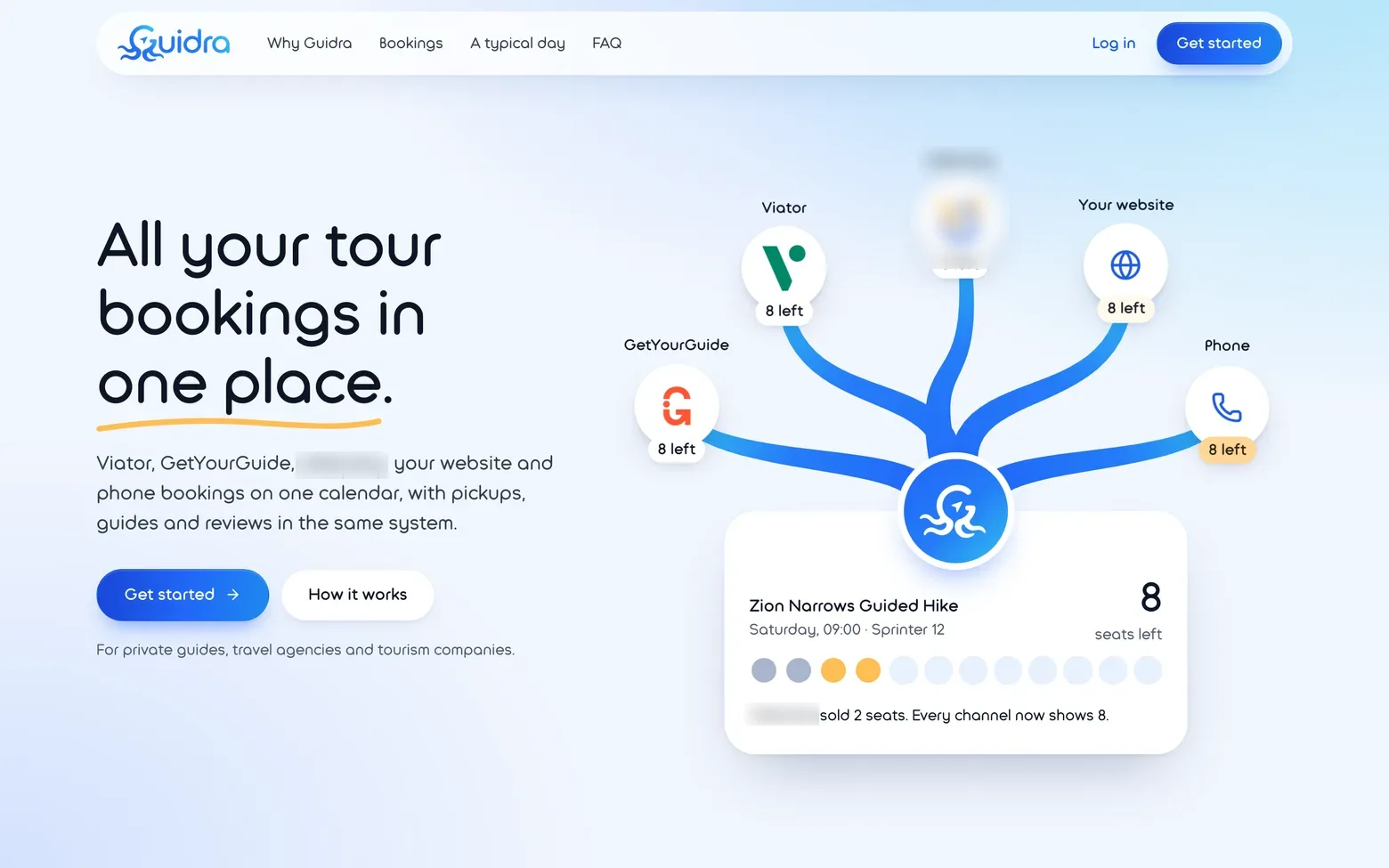
We developed GetYourGuide and Viator integrations and a connection for the operator’s own website. Listings for the same tour share one schedule and one seat inventory.
For example, if eight seats remain and two are booked through a marketplace, Guidra has six left and sends the updated availability to connected channels. Cancellations release seats; moving a booking recalculates availability for both departures. Managers no longer need to visit each channel’s dashboard after every change.
The operator’s website reads dates and availability from Guidra and sends bookings back to the same system. Phone bookings are entered in the same calendar. Direct and marketplace sales contribute to one passenger list.
Schedules, guides and vehicles alongside bookings
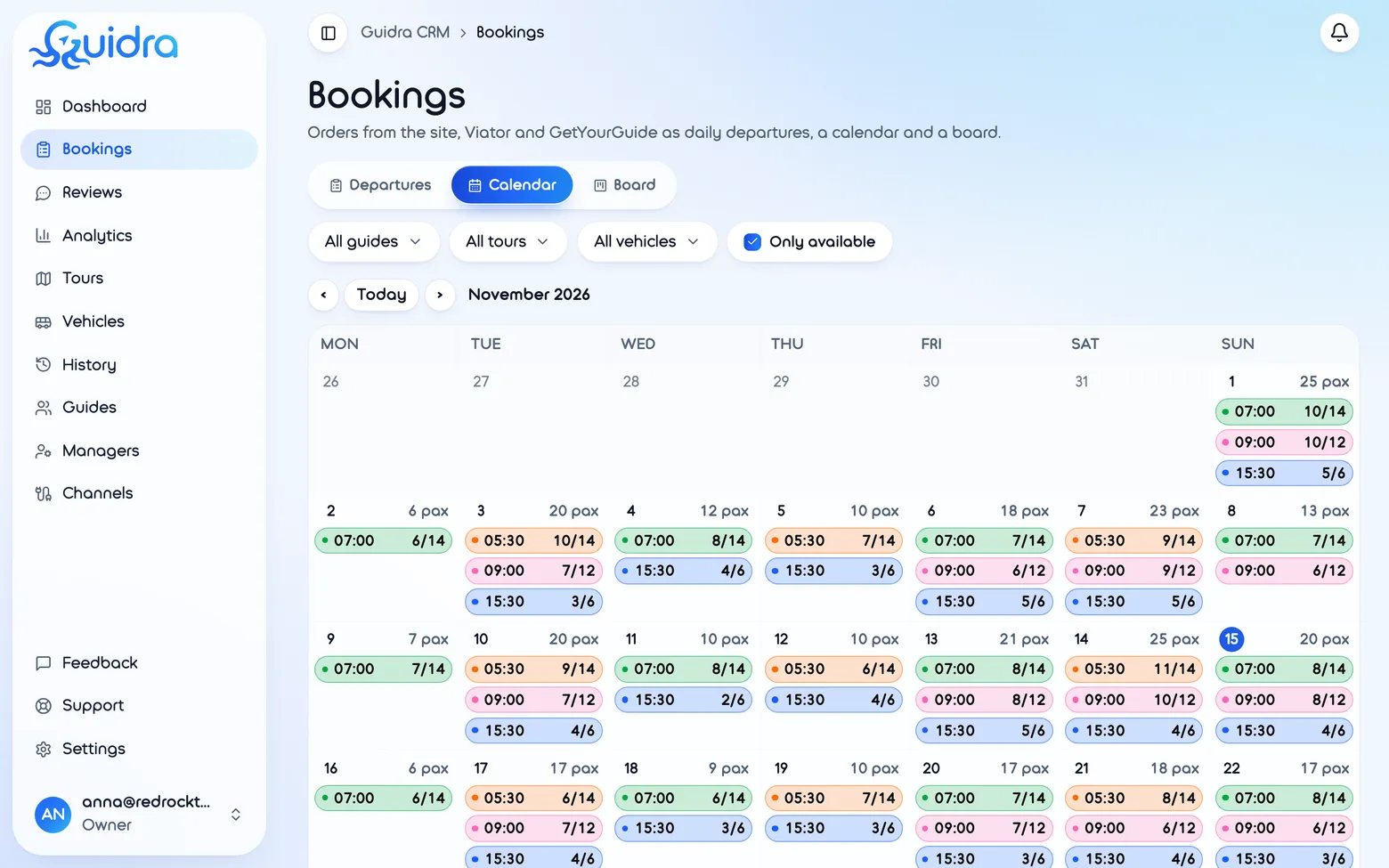
Managers define recurring departures, capacity and booking cutoffs, add extra trips and close dates. Each departure can have an assigned guide and vehicle, with warnings about conflicts. Staff can move a single booking or a whole group.
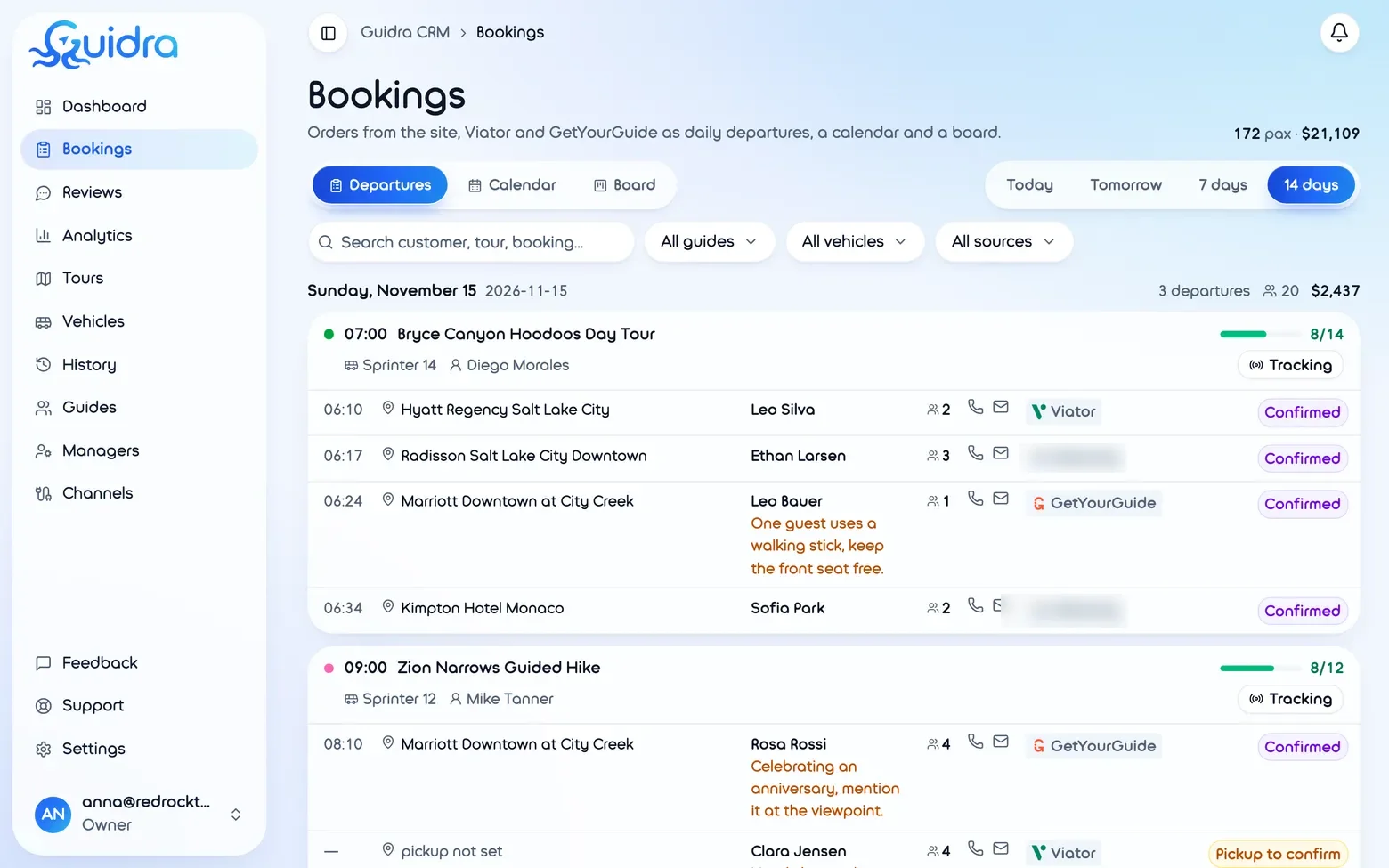
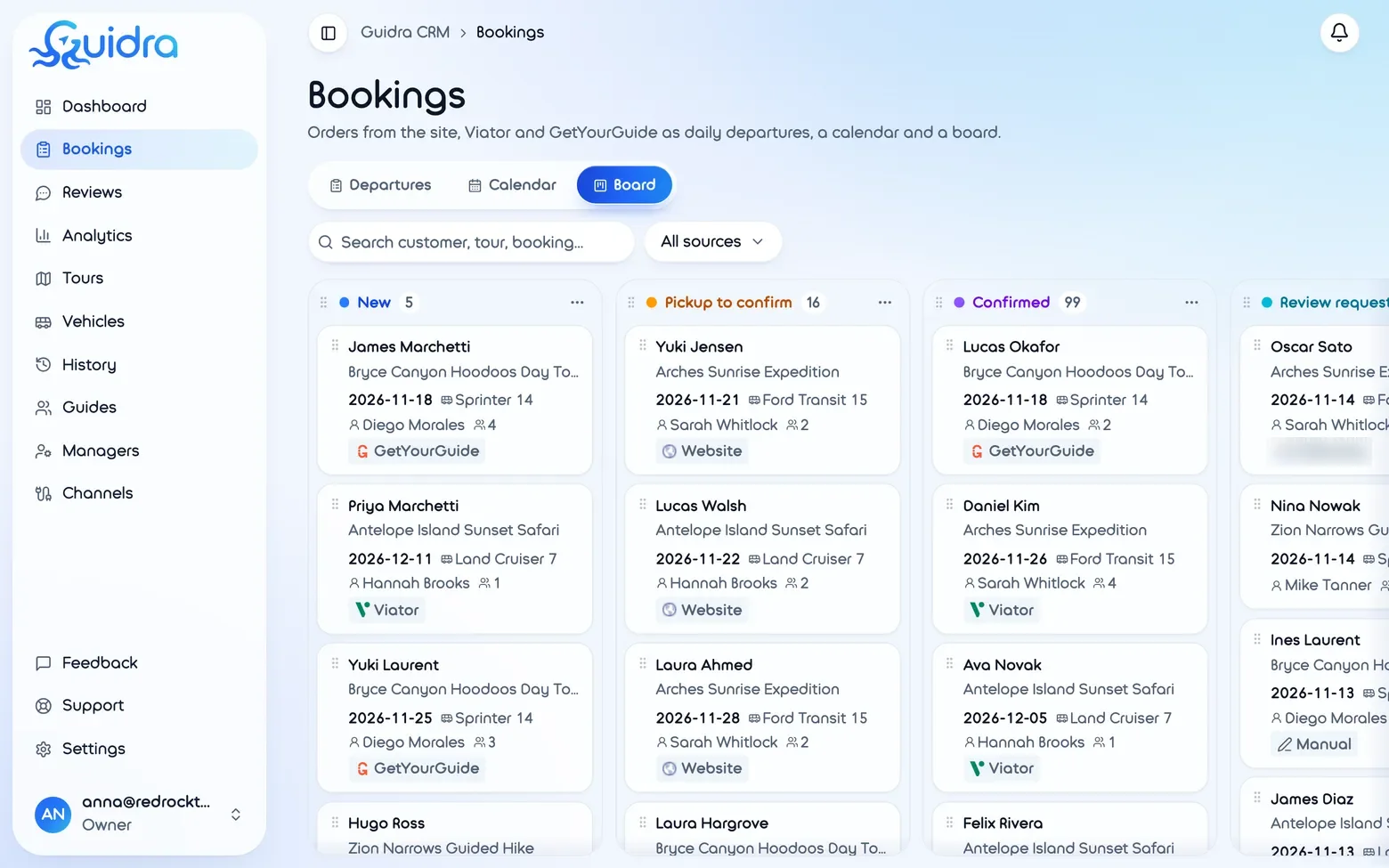
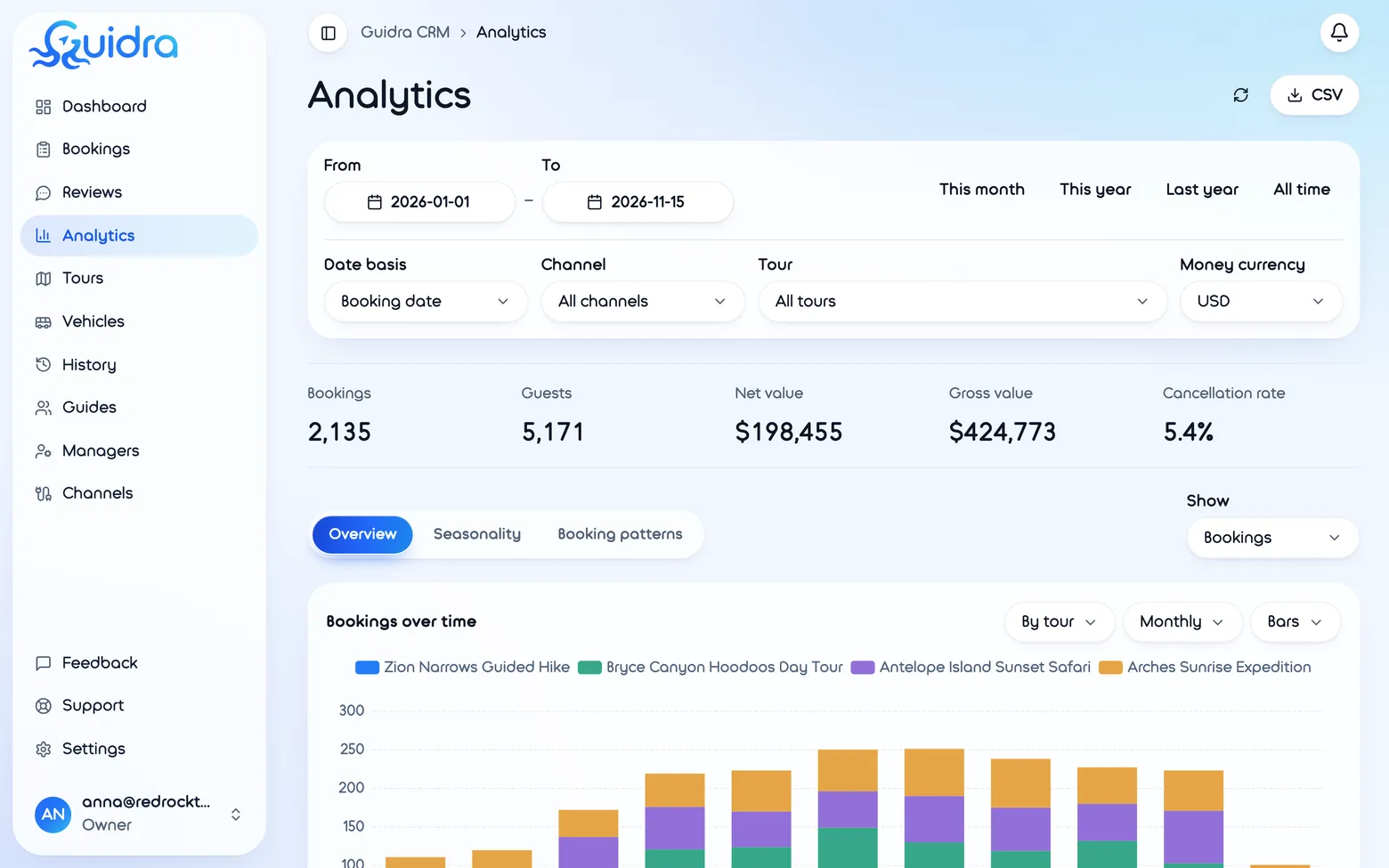
We built a planning calendar, a list of upcoming departures, a board with custom stages and analytics by channel and month. Booking cards hold contacts, pickup points and notes. Change history shows what was edited, while notifications bring new orders to the team’s attention.
Pickup routes built from the bookings
Pickup addresses are already part of each booking. Guidra plots them on a map and calculates the pickup order using road travel times. Guides do not have to copy every address into a navigation app and assemble the route again.
During the trip, the system uses the vehicle’s location, completed stops and remaining route to update arrival estimates. The guide sees the next stop and remaining pickups; the manager can follow departure progress.
Guests receive a link to their pickup
When the guide starts sharing location, the system automatically sends an SMS to guests on that departure. A private link opens a map with the vehicle, the guest’s pickup point and the estimated arrival window. No guest app installation is needed.
Starting one workflow replaces individual pickup messages. Guests can see the vehicle approaching and prepare to leave. Other passengers’ addresses stay private, and tracking access ends after the trip.
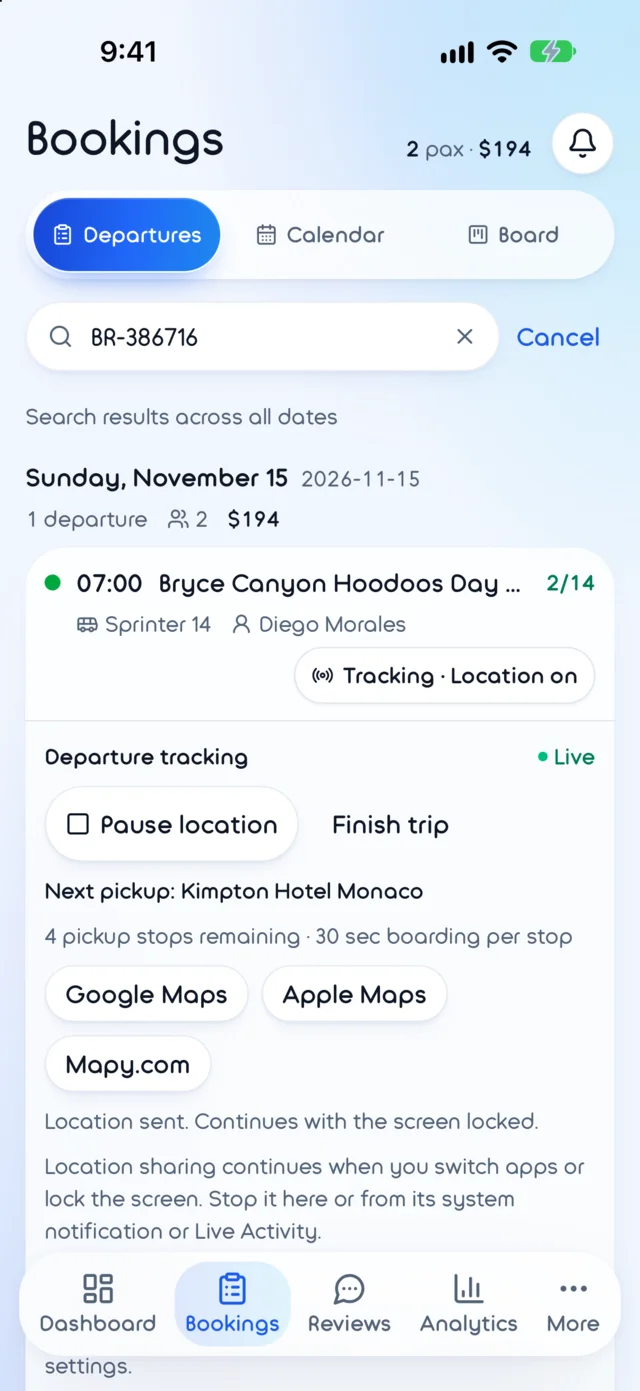 The guide’s phone: tracking is live, with the next pickup and the stops left.
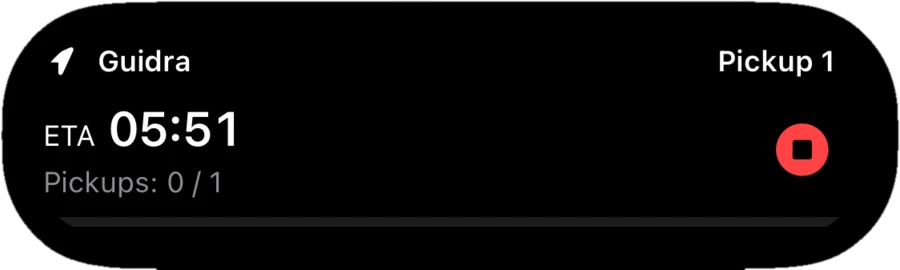 Dynamic Island: the arrival time at the next pickup and a Stop button.
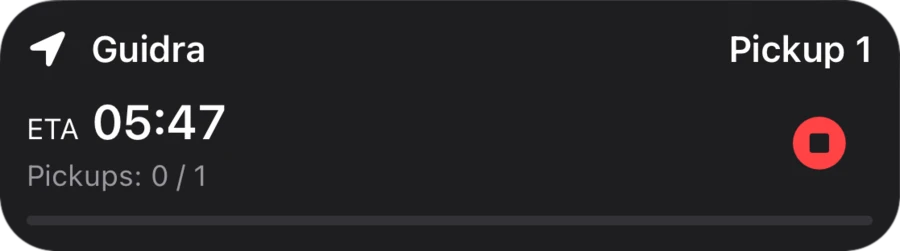 Lock Screen: the same Live Activity while the phone is locked.
An app for working on the road
We developed iOS and Android apps. Guides see their assigned trips, ordered stops, passenger details and notes, and can contact a guest from the booking card. Key actions are accessible on a phone between stops.
Location sharing continues in the background. On iPhone, the next stop and arrival time appear on the Lock Screen and in the Dynamic Island. On Android, an ongoing notification shows tracking status. The guide does not need to keep the map open throughout the journey.
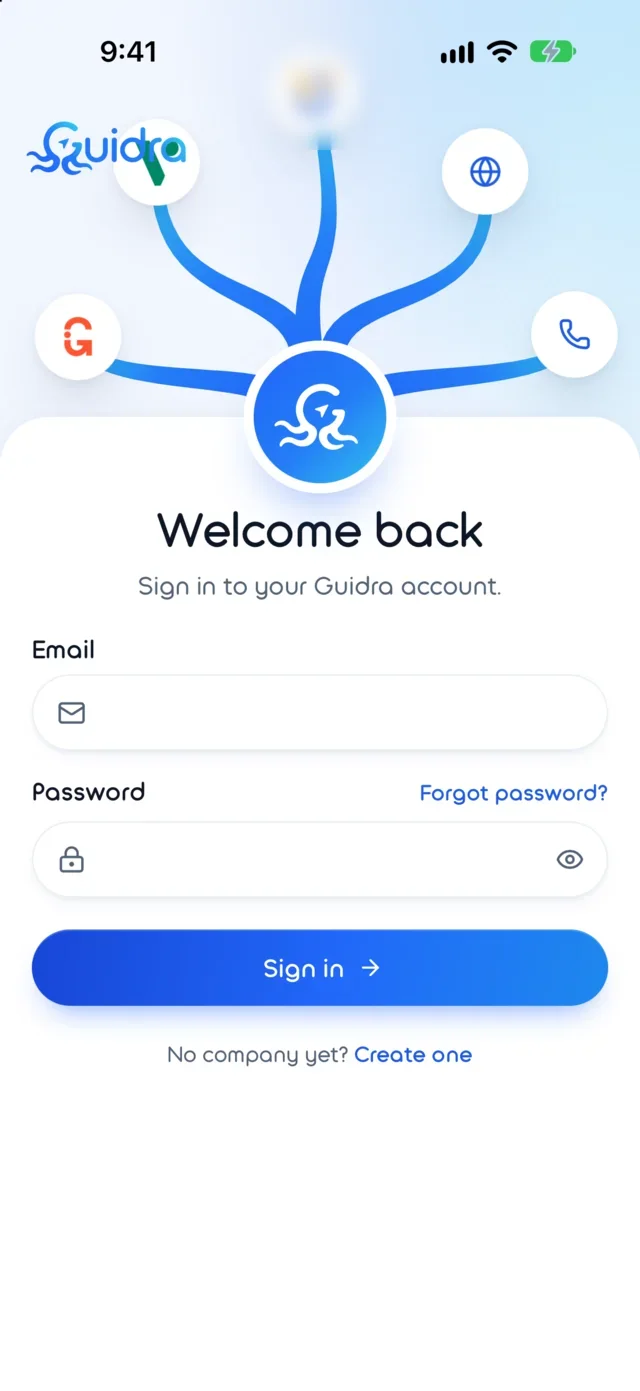 Sign in: the hydra from the logo holds the form.
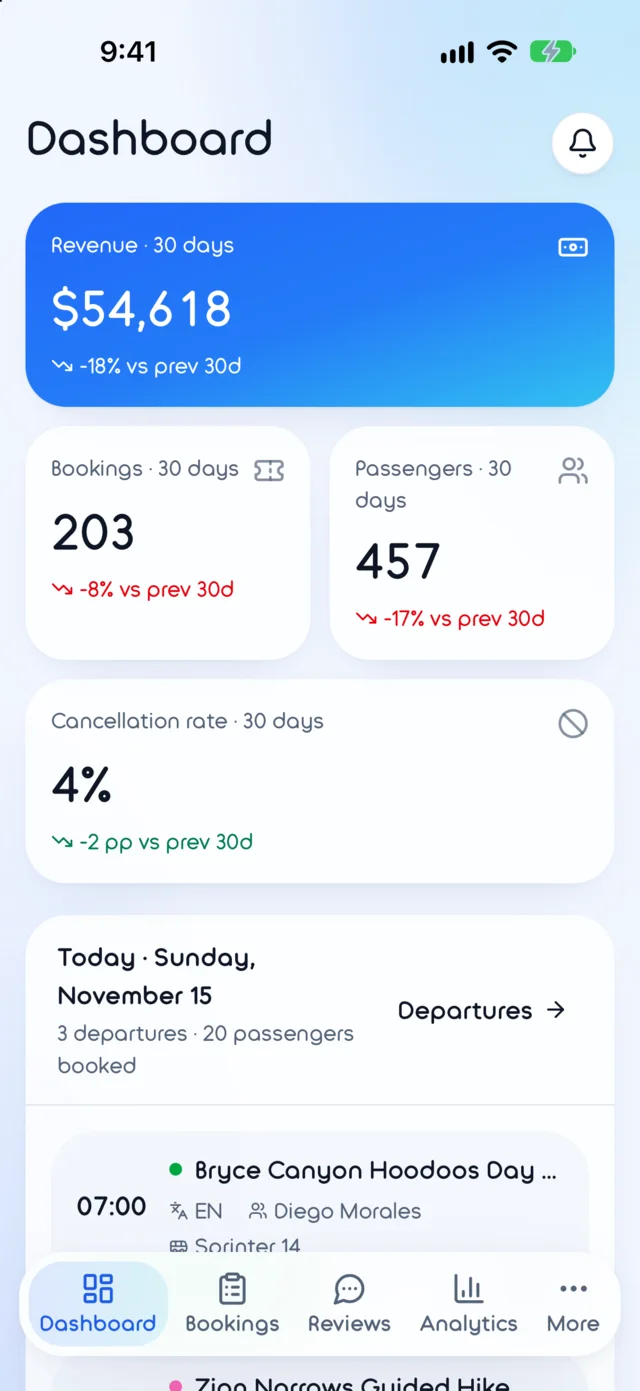 Dashboard: revenue, bookings, and today’s departures.
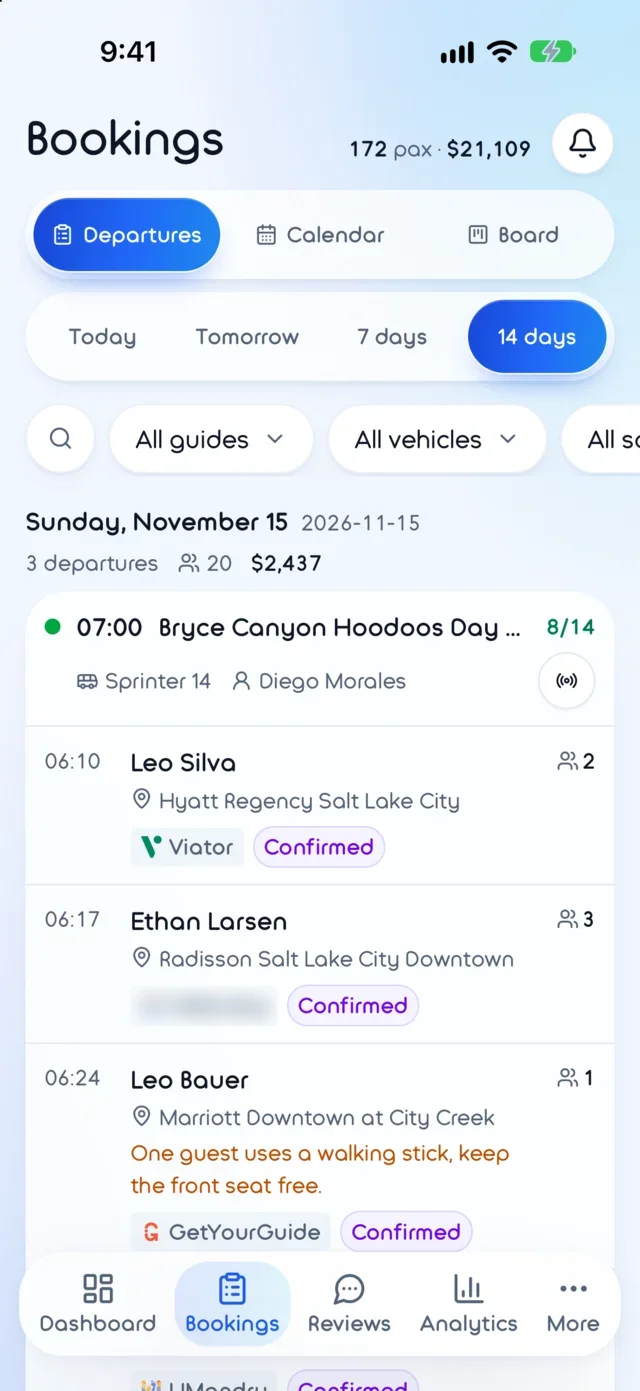 Bookings: pickups in order, channels, and notes.
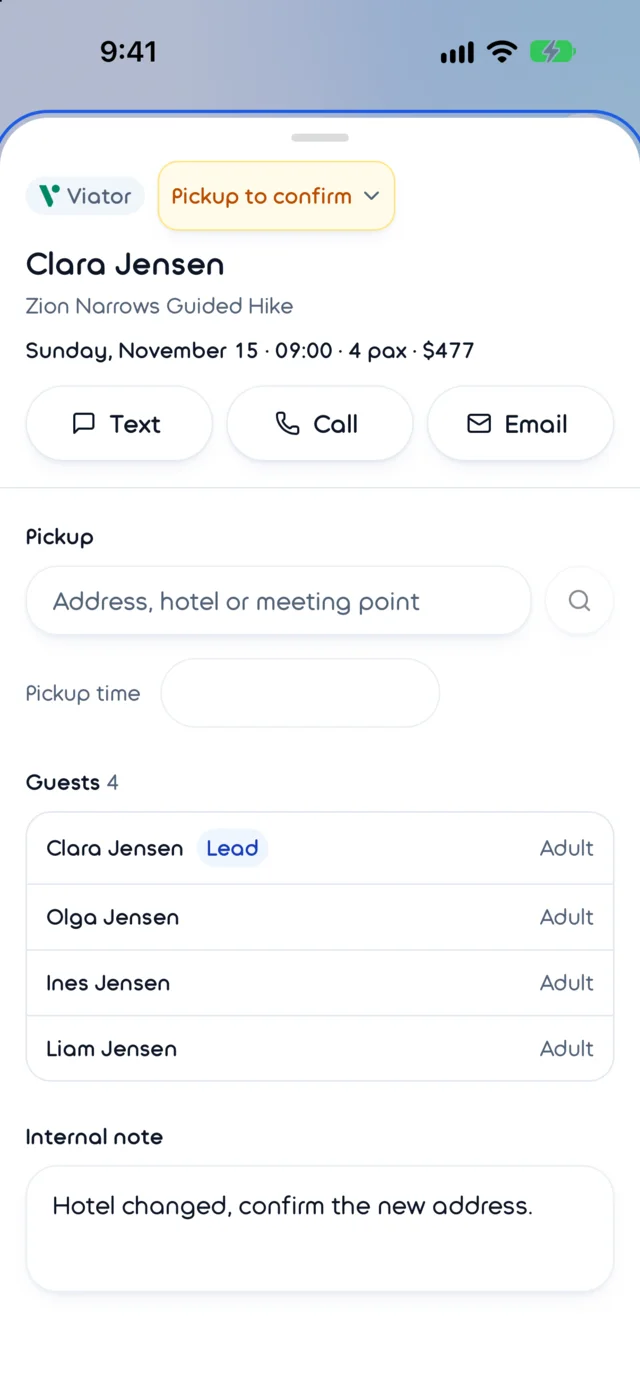 Booking card: contact the guest and set the pickup.
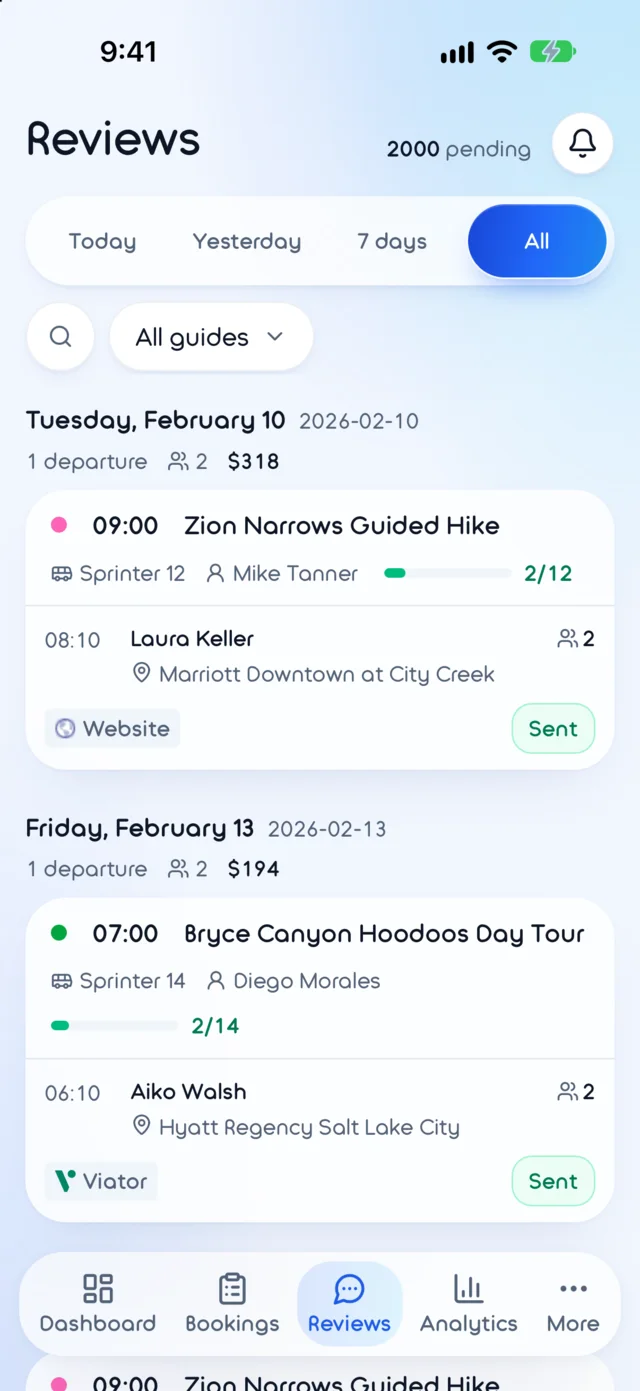 Reviews: review requests by SMS and their status.
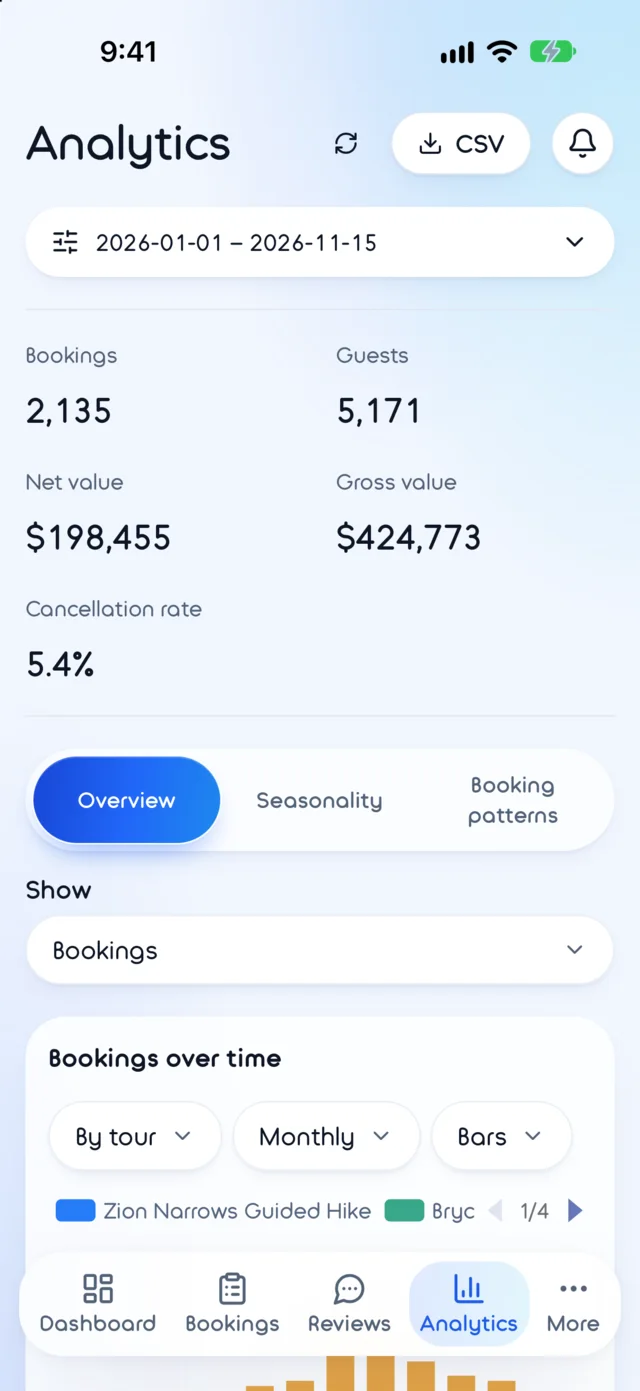 Analytics: the season in numbers.
Guest communication after the trip
Guidra also supports SMS review requests and tracks their status. The guest follows a link to a page with review platforms. The team can manage this stage alongside bookings instead of maintaining a separate reminder list.
From product concept to a recognizable brand
Our work included the name, logo, custom typeface, landing page and interface. Guidra combines guide and hydra: several sales channels acting as parts of one system. That idea shaped the G-shaped mark with hydra heads and a navigation arrow.
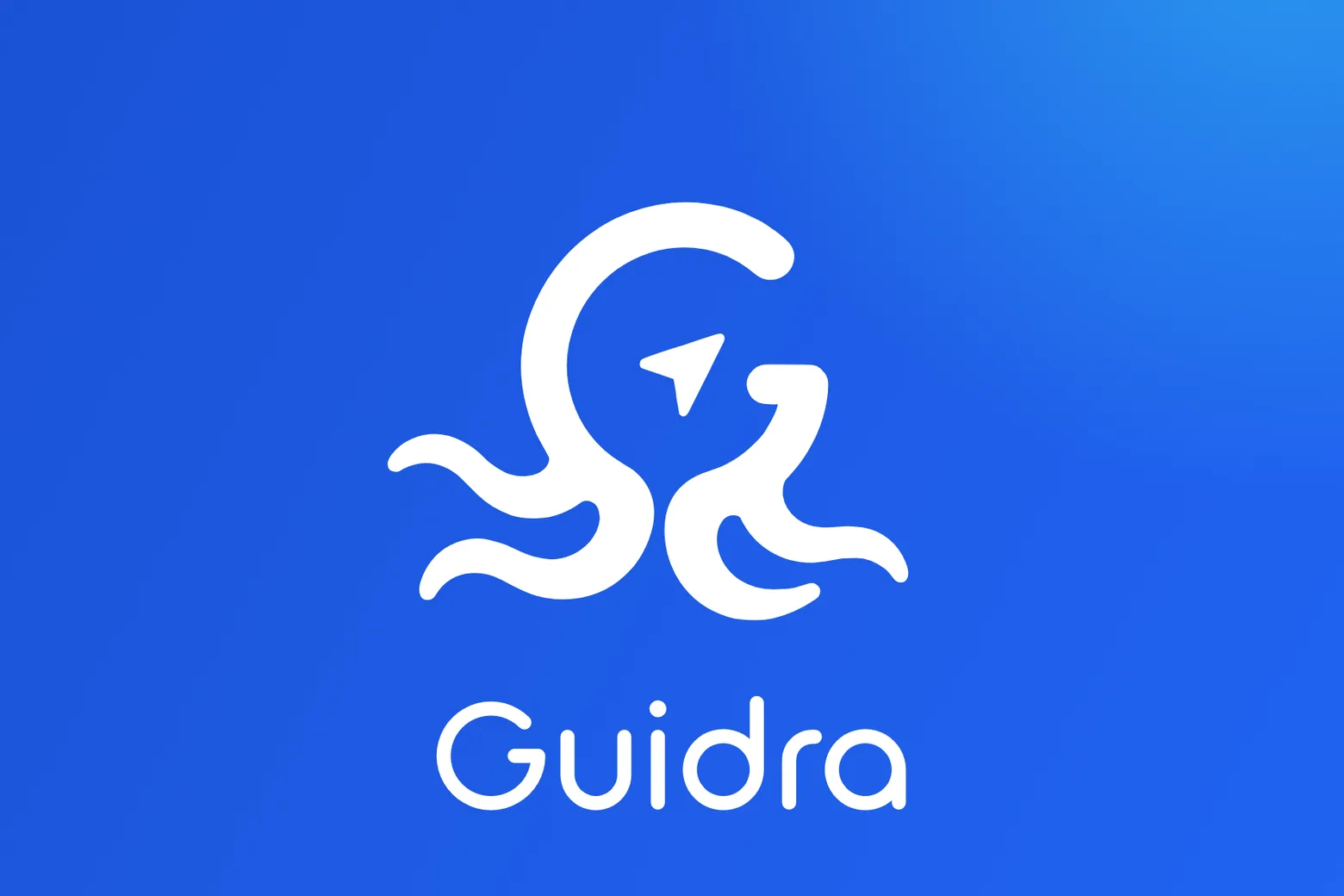
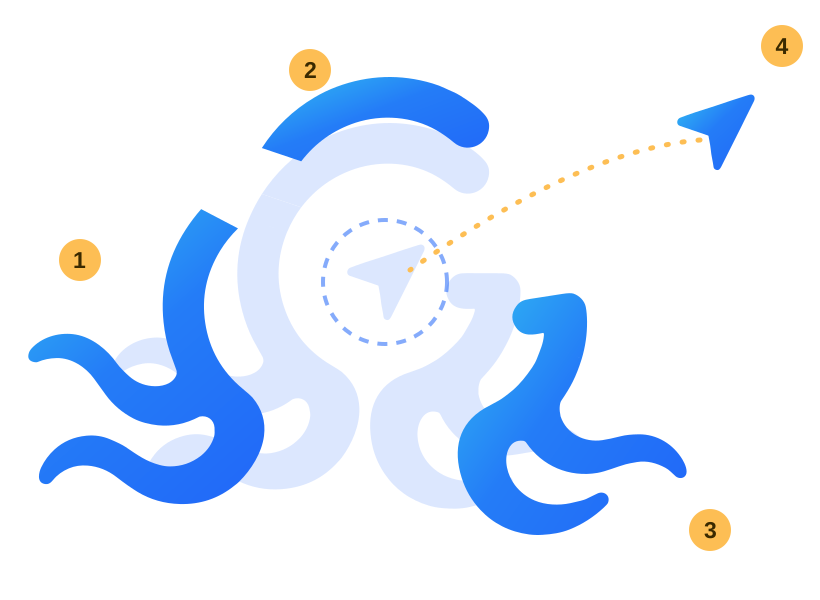
- Left necksTwo heads reaching out, like the sales channels.
- Top arcThe curve that closes the letter G.
- Right neckThe bar of the G and a third head.
- ArrowThe guide: a navigation arrow that lands in the hydra's head.
- Indigo#2167F8
- Blue#247CF7
- Cyan#32C1F1
- Canvas#F1F6FE
- Sun accent#FDBE54
We developed a custom typeface from the logo, with weights from 300 to 700. Shared colors, typography and tour labels connect the website, workspace and mobile apps. The product stays familiar when a manager moves from a computer to a phone.
- 01 · Centre line
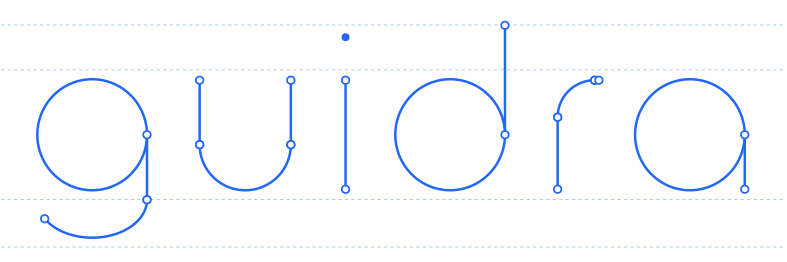 Each letter is a path of lines and arcs.
- 02 · One stroke, round ends
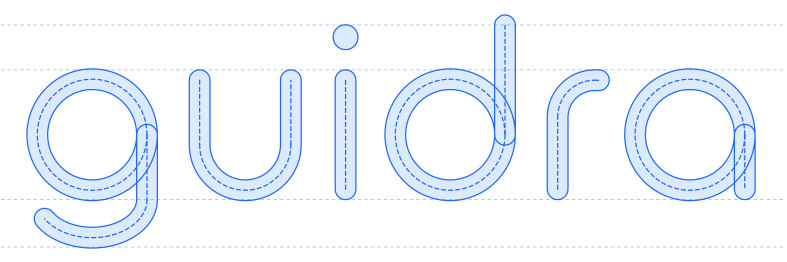 The path is stroked at one width; overlapping strokes stay separate.
- 03 · Three masters, one variable font
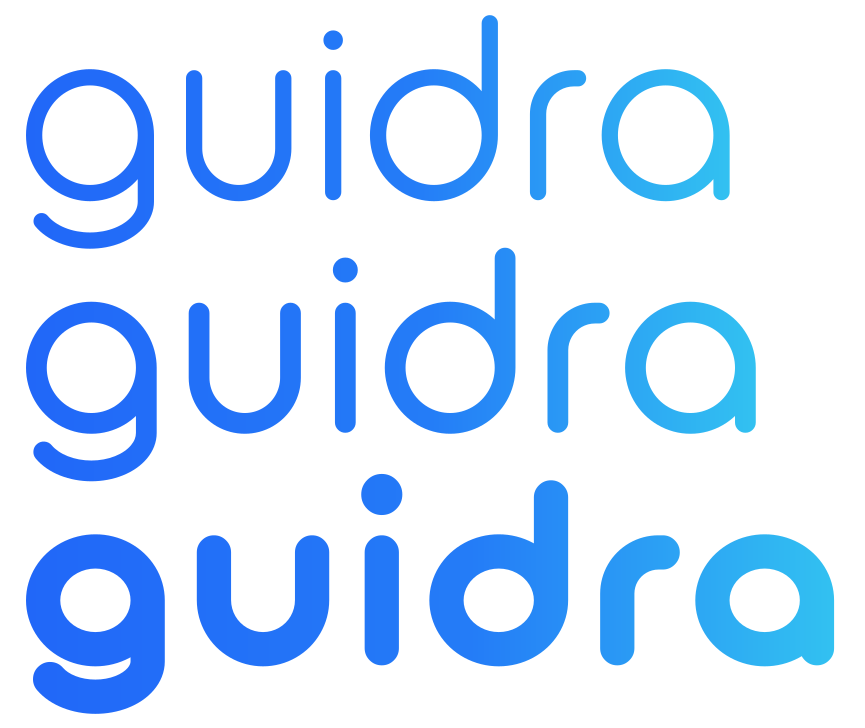 Stroke weight changes smoothly while keeping the proportions and character of the letters.
What changed for the operator
Seat sales, the passenger list and pickup planning are connected. A booking updates shared availability, its address becomes part of the route, and starting tracking sends the guest a link. The team manages departures and exceptions—moves, extra guests and schedule changes—without repeatedly copying the same information between marketplaces, maps and messages.


